

$ai_*) events, so your app needs to be sending them with the PostHog AI SDK. It’s one of five trace integrations - the others are Langfuse, LangSmith, Better Stack, and OpenTelemetry.
Connect
Open Sources
In the dashboard, go to Settings → Sources and add PostHog.
Create a personal API key
In PostHog, go to Settings → Personal API keys and create a new key. When selecting scopes, search for query and set the Query scope to Read (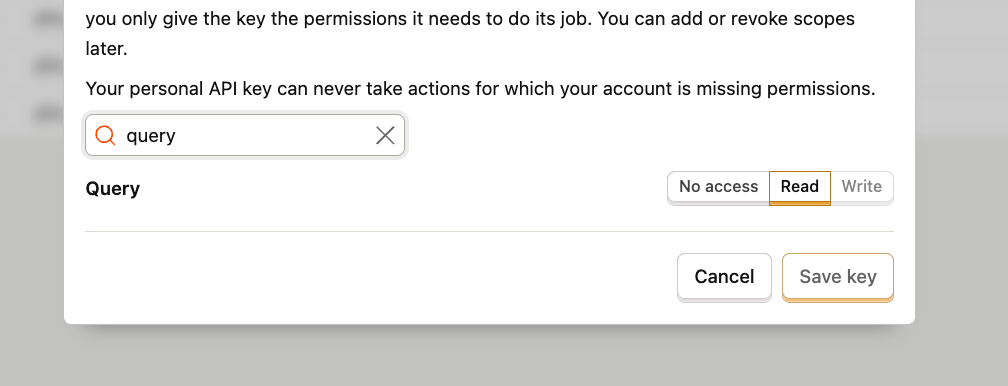
query:read).Enter your project ID
Enter the PostHog project ID to pull traces from. You can find it in PostHog under Settings → General.
Glassray verifies and syncs
Glassray verifies the credentials and starts pulling new traces on a cadence.
Your PostHog credentials are stored in WorkOS Vault, never in Glassray’s database. The connected source row only holds a reference to the vaulted secret.